Photos & portraits
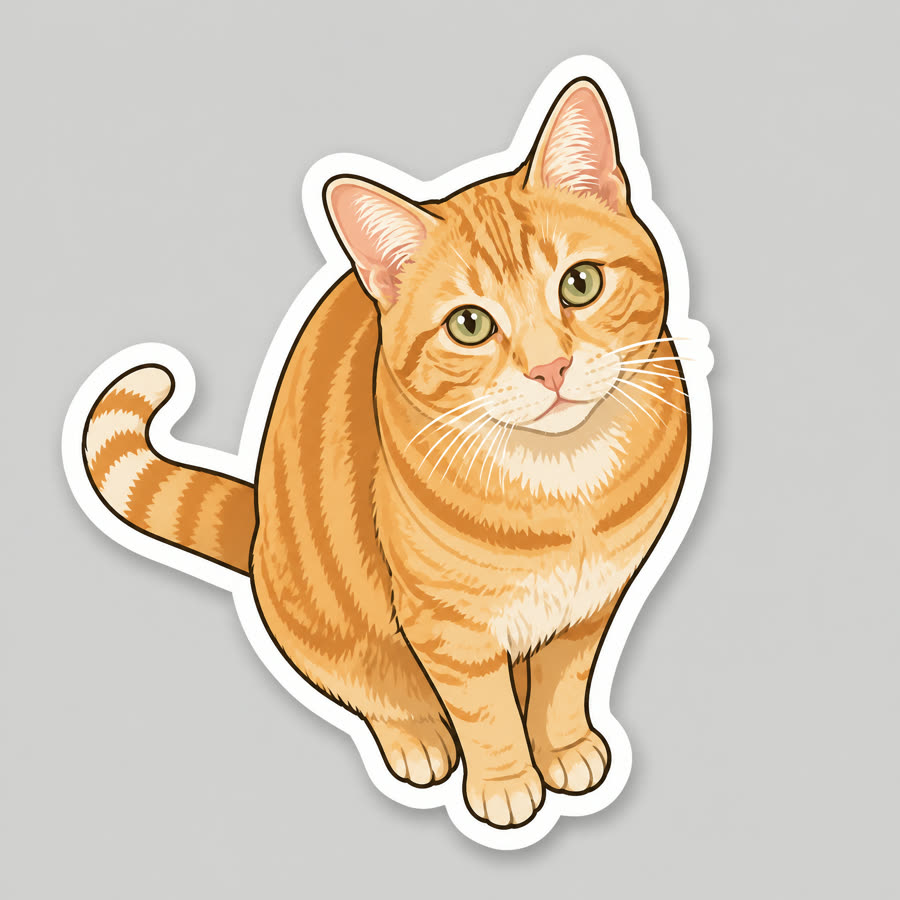
Photo to sticker: a die-cut sticker with a transparent background
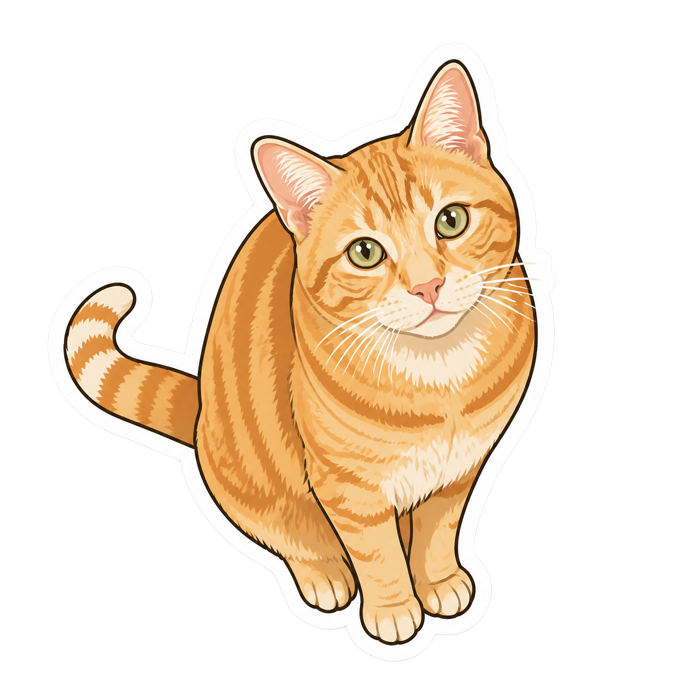
The subject is drawn as a sticker with a thick white border, then cut out of its background, so you get a transparent PNG that sits on any chat, laptop or print sheet. Pick a cartoon look or keep it close to the photo.
What you get
- Sticker, transparent PNG
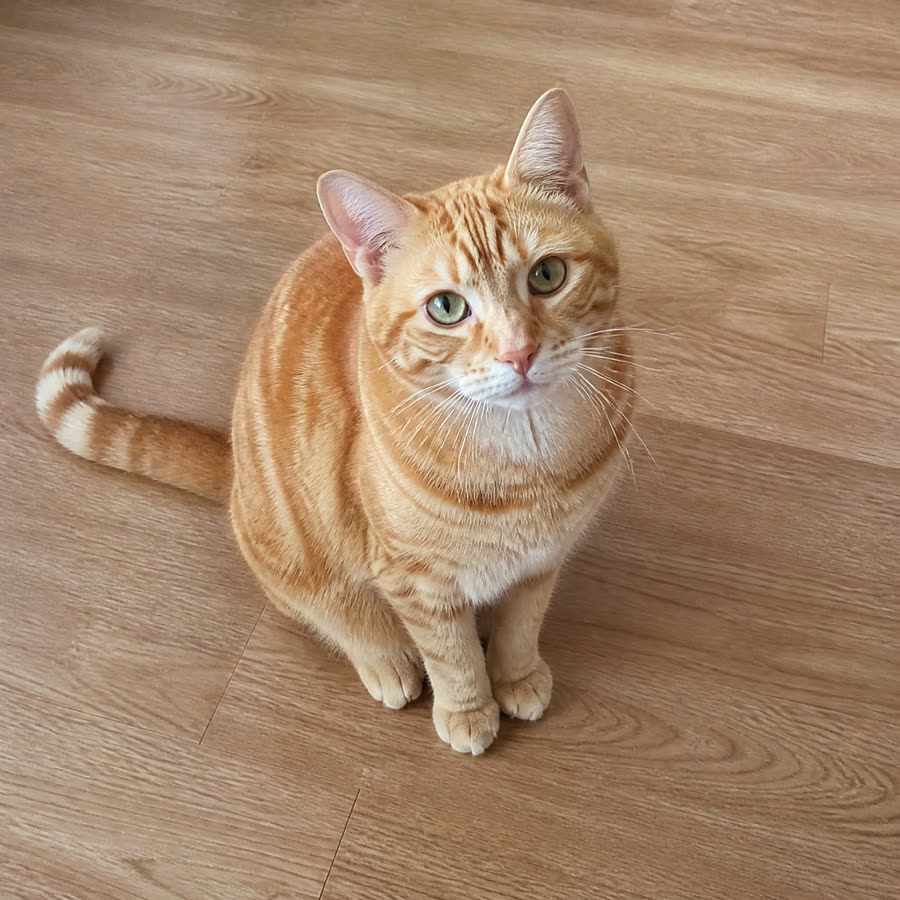
- Before the cut-out
6 credits per run
Free to try — sign in when you generate.
How it works
- 1Upload a photo
- 2Pick a sticker style
- 3Download the transparent PNG
A real run
Made with this page and not retouched — what went in comes first.
FAQ
Can I use it on WhatsApp or Telegram?
Yes: download the 512 × 512 PNG and add it with your sticker app. WhatsApp sticker packs need WebP files under 100 KB; most sticker-maker apps convert for you.
Can I print it as a real sticker?
Yes — the full-size PNG is about 2,000 px square with a transparent background, ready for a print shop’s die-cut service.
Can I use the results commercially?
Yes, on every plan, the free one included — what you make is yours, subject to the Terms and to the rights in what you upload.
Is it free to try?
Yes — new accounts get free credits. Generating signs you in; paid plans add more monthly credits.