Photos & portraits
YouTube thumbnail maker: two designs from your photo and title
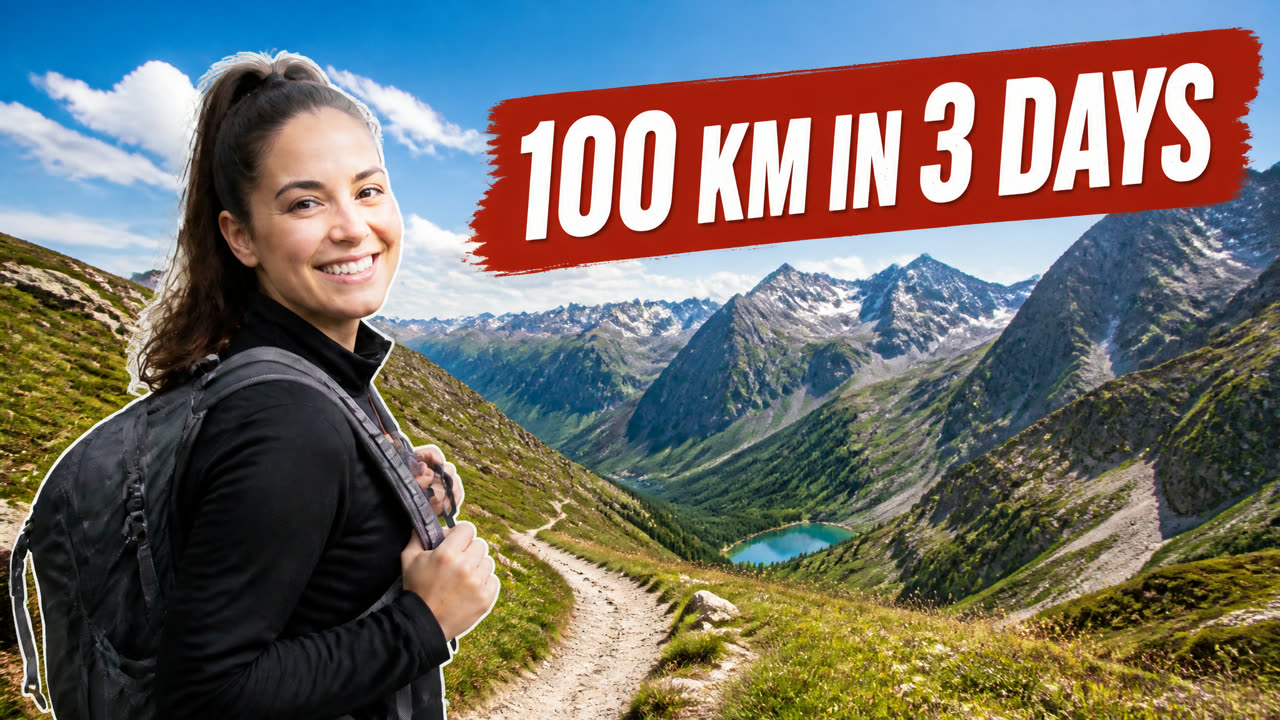
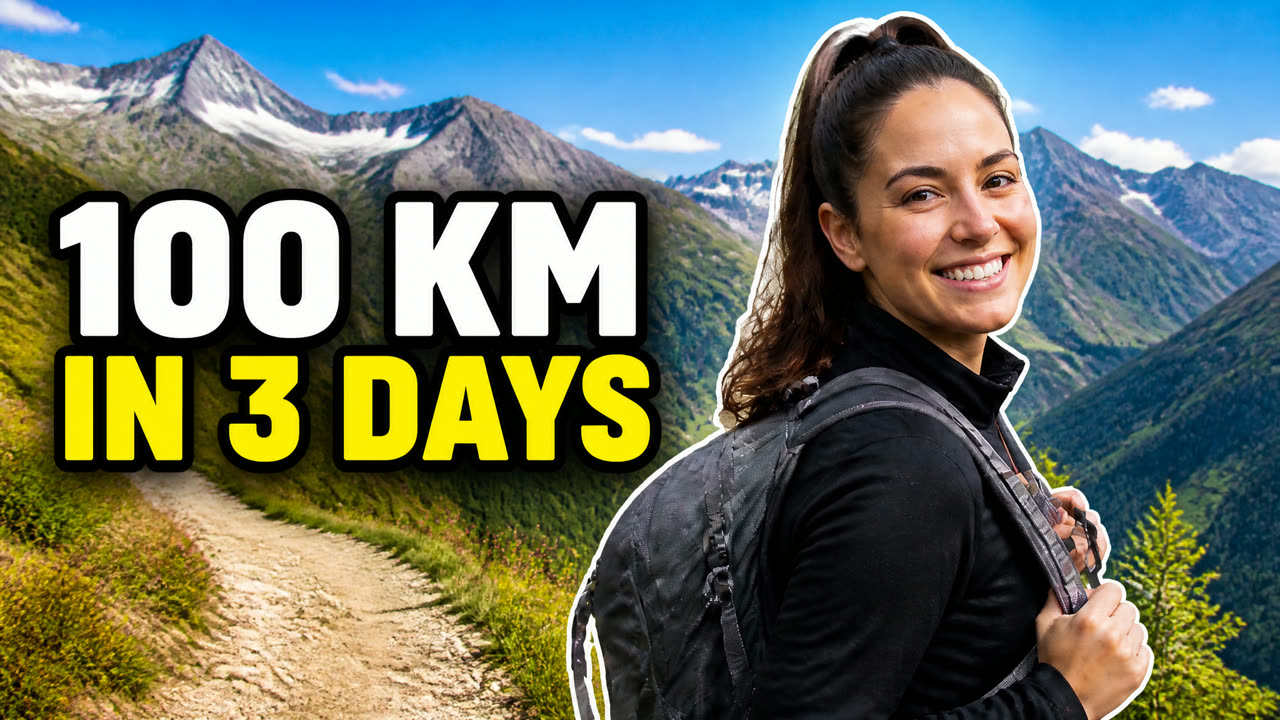
Thumbnails with a face and a few big words get clicked. You get two different layouts built from your own photo — so you can run YouTube’s thumbnail test and keep the winner. The title is spelled exactly as you type it.
What you get
- Thumbnail · version 1
- Thumbnail · version 2
8 credits per run
Free to try — sign in when you generate.
How it works
- 1Upload a photo of yourself
- 2Type the thumbnail text and topic
- 3Download two versions to test
A real run
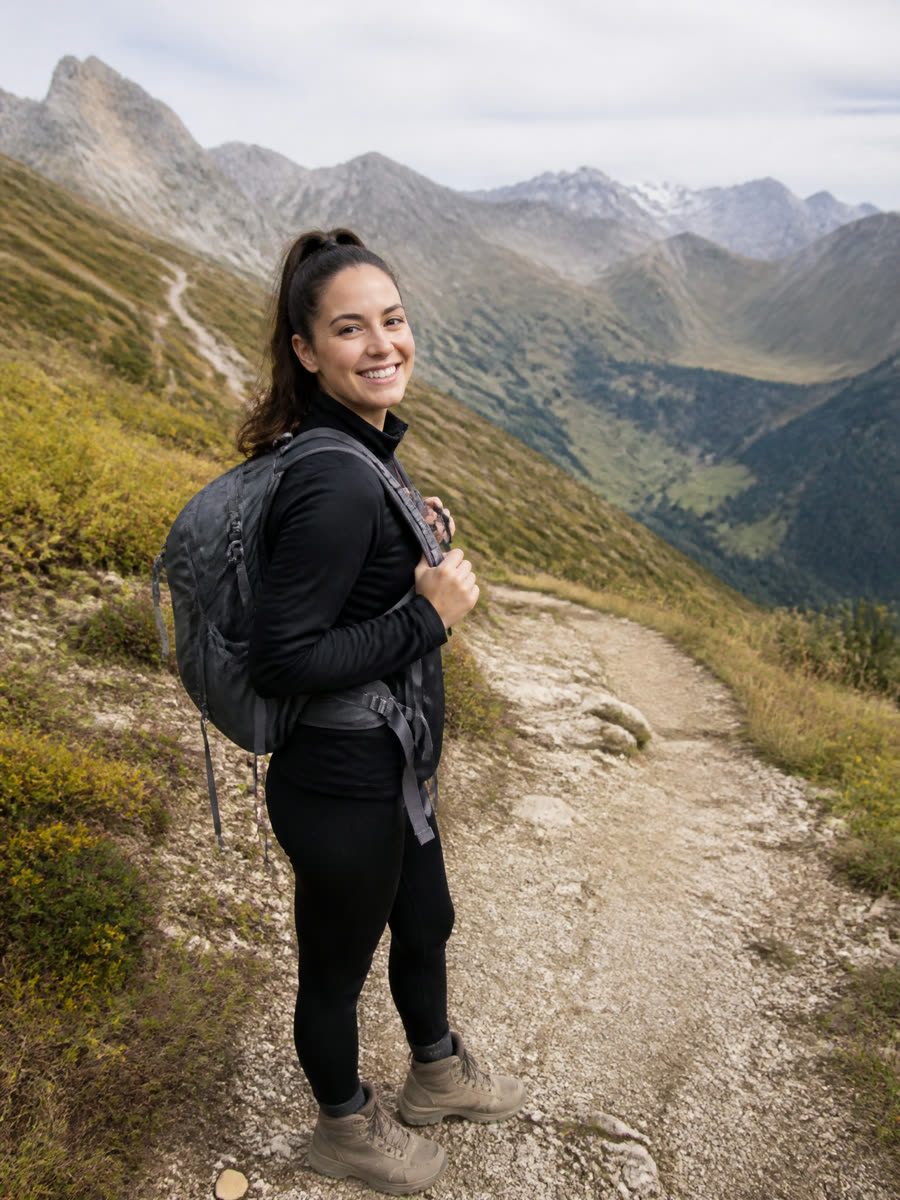
Made with this page and not retouched — what went in comes first.
FAQ
What size is a YouTube thumbnail?
1280 × 720 pixels (16:9), under 2 MB. Download the 1280 × 720 JPG and it is ready to upload.
Will the text be spelled right?
The model is told to spell it exactly as you type it, and short titles come out right almost every time. Long titles and unusual words can slip — check before you upload.
Why two versions?
YouTube Studio can test up to three thumbnails on one video and keep the one that gets watched most. Two different layouts give that test something to choose between.
Can I use the results commercially?
Yes, on every plan, the free one included — what you make is yours, subject to the Terms and to the rights in what you upload.
Is it free to try?
Yes — new accounts get free credits. Generating signs you in; paid plans add more monthly credits.