📦
Product Introduction PPT Template: Features, Proof, Price
A product introduction deck shows a customer or a partner who the product is for, what it does, why it is better, the proof, and how to start. Features are shown with the benefit each brings, ideally with a picture.
Get these right
- 1Start from the customer's problem, not the product's history.
- 2One feature per slide, with the benefit in the title.
- 3Proof is numbers or named customers; adjectives are not proof.
- 4Close with price and a first step that takes minutes.
Structure
The deck opens with these slides, in this order.
- 1Product introductionTitle
- 2Who it is forBullets
- 3What it doesSection
- 4Feature oneImage
- 5Feature twoImage
- 6ProofBullets
- 7Pricing and how to startBullets
- 8Thank youClosing
A complete example · 12 slides
Designed by the AI from this brief, exactly as the workbench would design yours:
An introduction of the Lumo desk lamp to retail buyers: for people who work late at a desk; flicker-free panel, colour temperature 2,700–5,000 K, a timer that dims it over 30 minutes before bed, USB-C port, aluminium body; in a two-month beta 82% of 300 users said evening eye strain eased; retail price 329 yuan, wholesale 210 yuan, two-year warranty; first step: a sample unit and a two-week trial on one shelf.
Lumo Desk Lamp
A calmer light for people who work late at a desk
Late-evening desk workers need light that does not strain the eyes
- •Students, freelancers and home-office workers who work after dark
- •Hours in front of screens under harsh or flickering light
- •Eye strain by evening, trouble winding down before bed
- •Existing lamps offer one colour and no bedtime routine
- •They want one lamp that fits a modern desk and a modern phone
2 / 12
What Lumo does
One sentence: a flicker-free desk lamp that follows your evening from focus to sleep
3 / 12
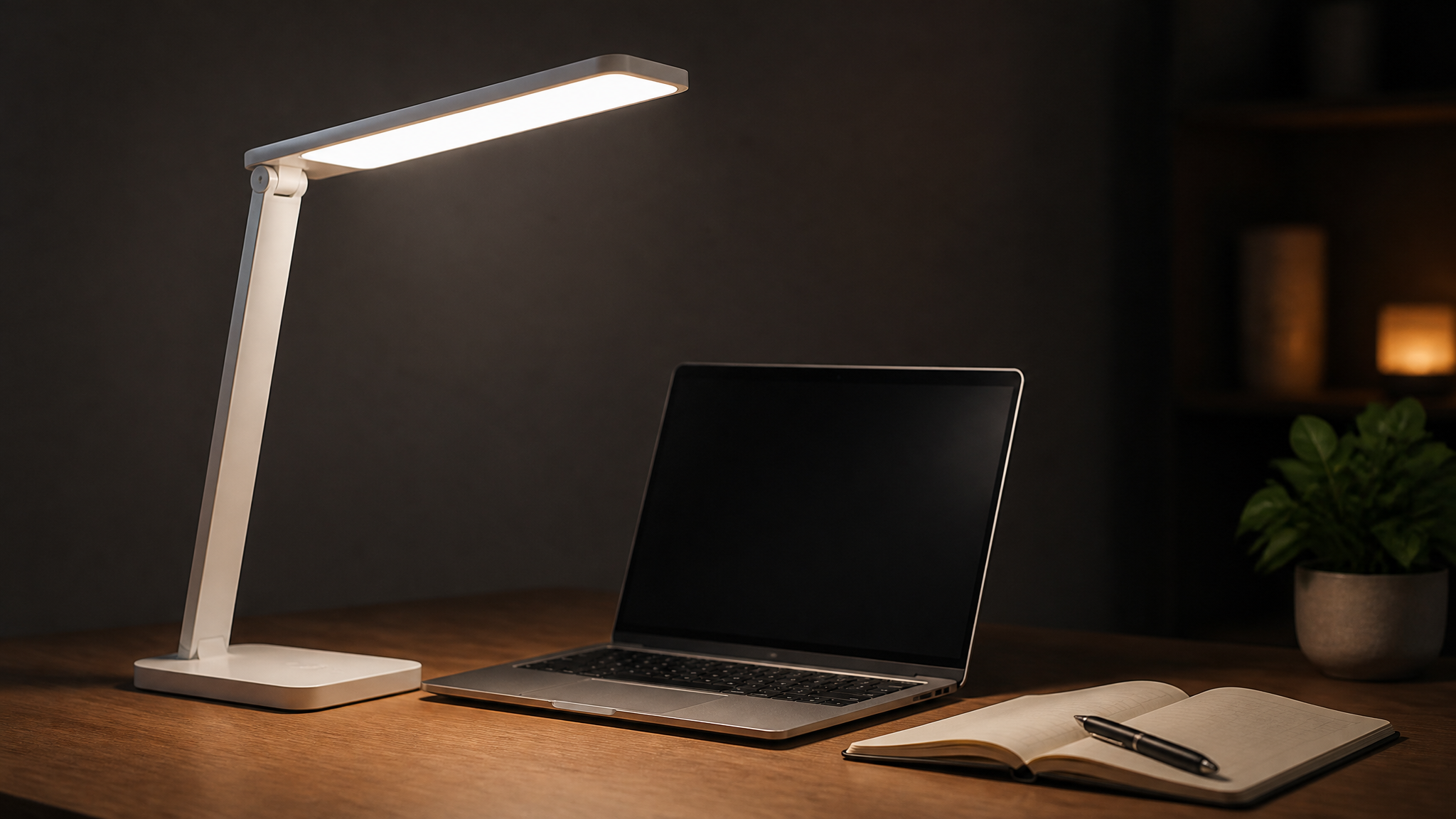
A flicker-free panel keeps eyes comfortable over long sessions
- •Steady, flicker-free light with no visible or invisible pulsing
- •Even panel light instead of a harsh single point
- •Benefit: less eye fatigue after hours at the desk
4 / 12
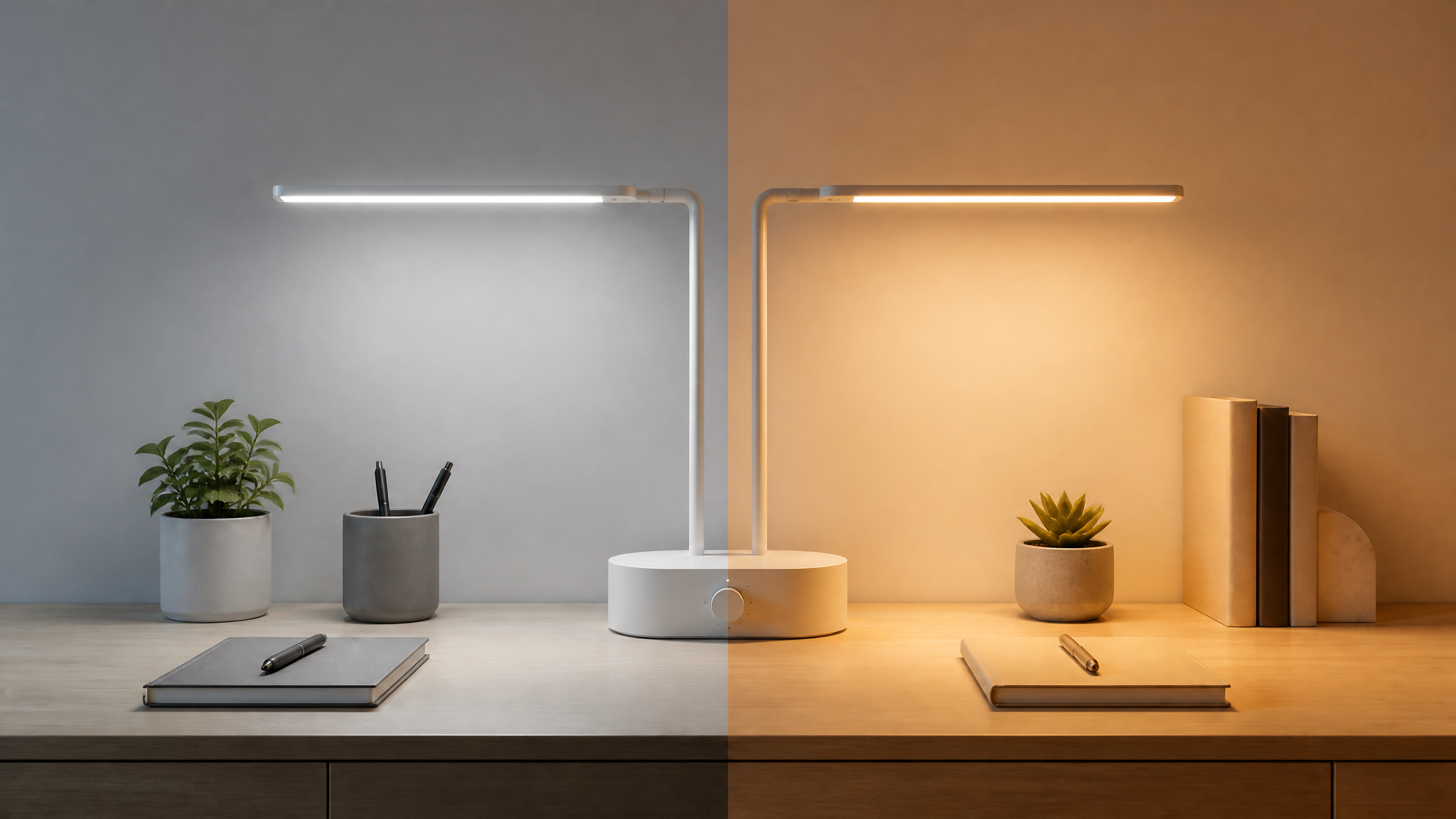
Colour temperature from 2,700 to 5,000 K matches the task and the hour
- •Cool 5,000 K for focused daytime and early-evening work
- •Warm 2,700 K for reading and relaxing late at night
- •Benefit: one lamp for the whole day, not two
5 / 12
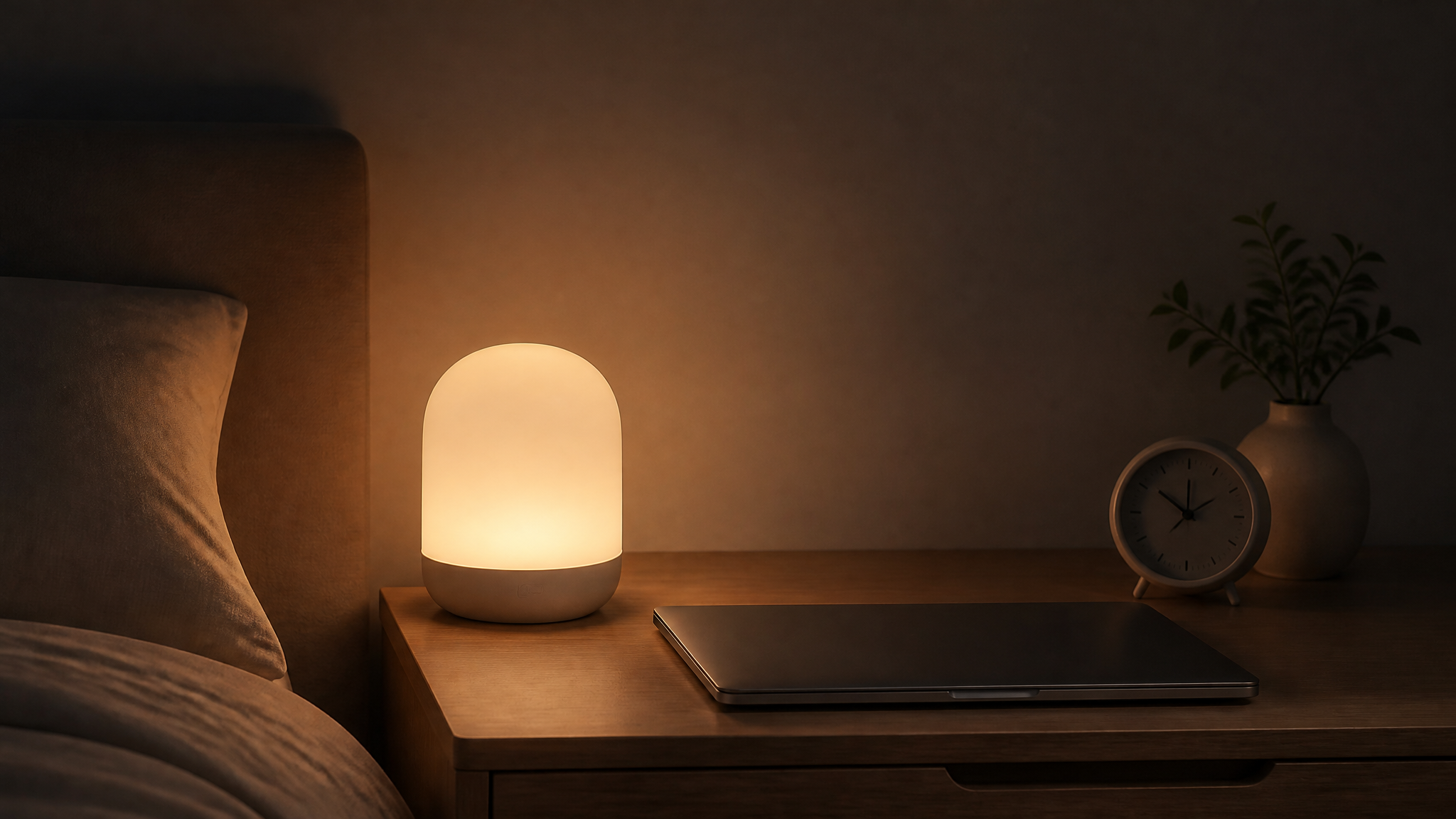
A 30-minute wind-down timer dims the light before bed
- •Set the timer and the lamp fades gradually over 30 minutes
- •Gentle cue to finish up and step away from the desk
- •Benefit: a built-in end to the working night
6 / 12
Built to sit on a modern desk for years
- •USB-C port charges a phone or earbuds while you work
- •Aluminium body stays cool, looks premium and resists wear
- •Two-year warranty backs every unit sold
- •Clean design suits home offices, dorms and co-working desks
7 / 12
Proof, pricing and next steps
What beta users said, what it costs, and how to start
8 / 12
In a two-month beta, 82% of 300 users said evening eye strain eased
- •300 real users tested Lumo over two months
- •82% reported reduced eye strain in the evening
- •Users kept the lamp in daily use across the full period
- •Feedback shaped the final timer length and dial layout
9 / 12
Retail at 329 yuan, wholesale at 210: 119 yuan margin per unit
- •Priced for the premium end of the desk-lamp shelf
- •Two-year warranty included at no extra cost to the buyer
10 / 12
Start with one sample and a two-week shelf trial
- •We send a sample unit for your team to test
- •Place Lumo on one shelf for two weeks
- •Review sell-through and customer reactions together
- •Agree volume and terms based on the trial result
- •Contact: [figure needed]
11 / 12
Thank you
Let us put a Lumo sample on your desk this week
12 / 12
Names, figures and dates in the example are made up for illustration; pictures were generated.
How it works
- 1Open the template: a deck with this structure and the brief appears.
- 2Add one line about your case, or attach your notes, spreadsheets or recordings as sources, and press First draft.
- 3Edit any slide yourself, or ask the AI to tighten it, chart its figures, add a picture or reorder the deck; download .pptx when it is ready.
Questions
- Does the .pptx open in PowerPoint, Keynote and WPS?
- Yes. Text, bullets, pictures and speaker notes are ordinary PowerPoint objects, and charts are native charts you can edit there.
- Can I use the example as it is?
- The example shows the shape; its names and figures are made up. Open the template and give the AI your own facts, and it designs yours in the same shape.
- Is it free?
- Writing is billed by the tokens used, usually a few credits per deck; a generated picture is 4 credits; the template, the editor and the download cost nothing.
Other kinds of deck
AI PPT generator →Document to PPT →Everyday documents →📊Work reportResults, problems, next steps, asks — for a manager or a committee.🧭Project proposalWhy, what, how, how much, by when — to get a yes.🎓Training deckObjectives, concepts, examples, practice, summary.🗓️Year in reviewThe year in numbers, what worked, what did not, next year.🚀Pitch deckProblem, solution, market, traction, team, ask — ten slides.