Food & property
AI interior design: your room, redecorated in the style you pick
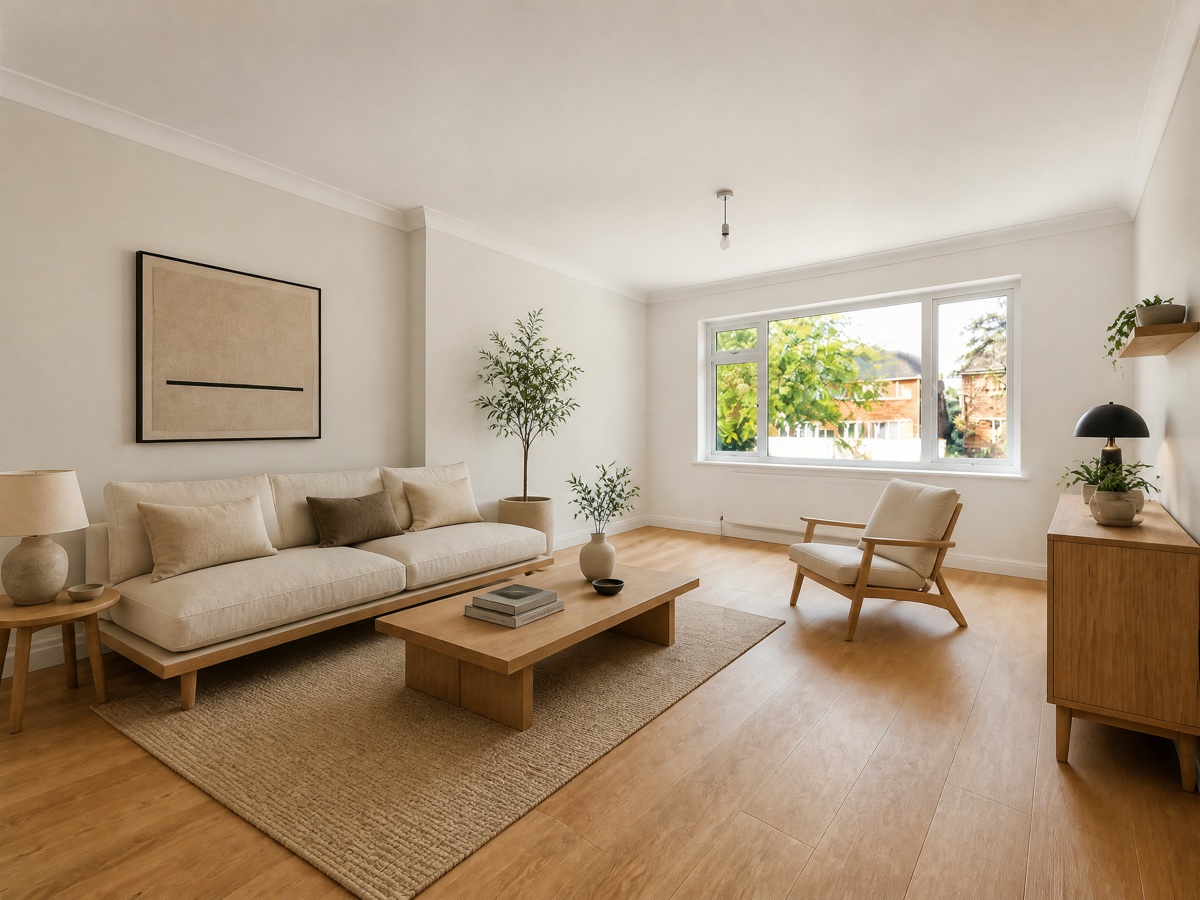
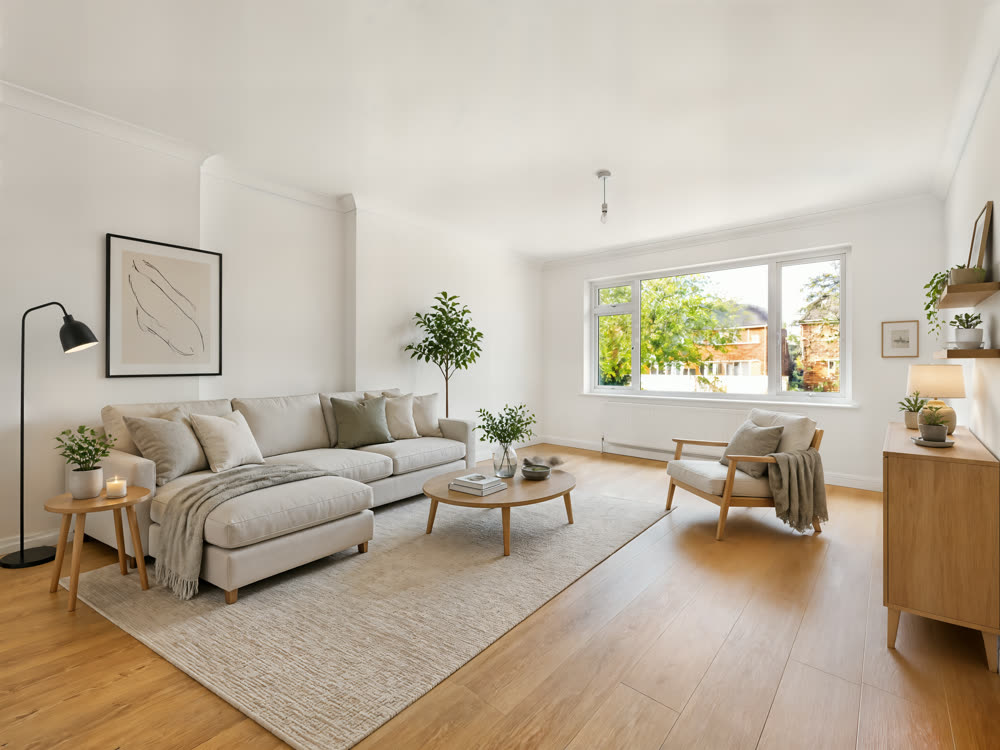
Before you buy a sofa or repaint, see the room done. Furniture, rug, curtains, lighting, art and wall colour are replaced in the style you choose, sized and placed as they would really go; the room’s own walls, windows and camera angle stay put, so what you see is your room, not a stock picture. Two different takes come back, so you can compare.
What you get
- Take 1
- Take 2
8 credits per run
Free to try — sign in when you generate.
How it works
- 1Upload a photo of the room
- 2Pick a style
- 3Compare the two takes
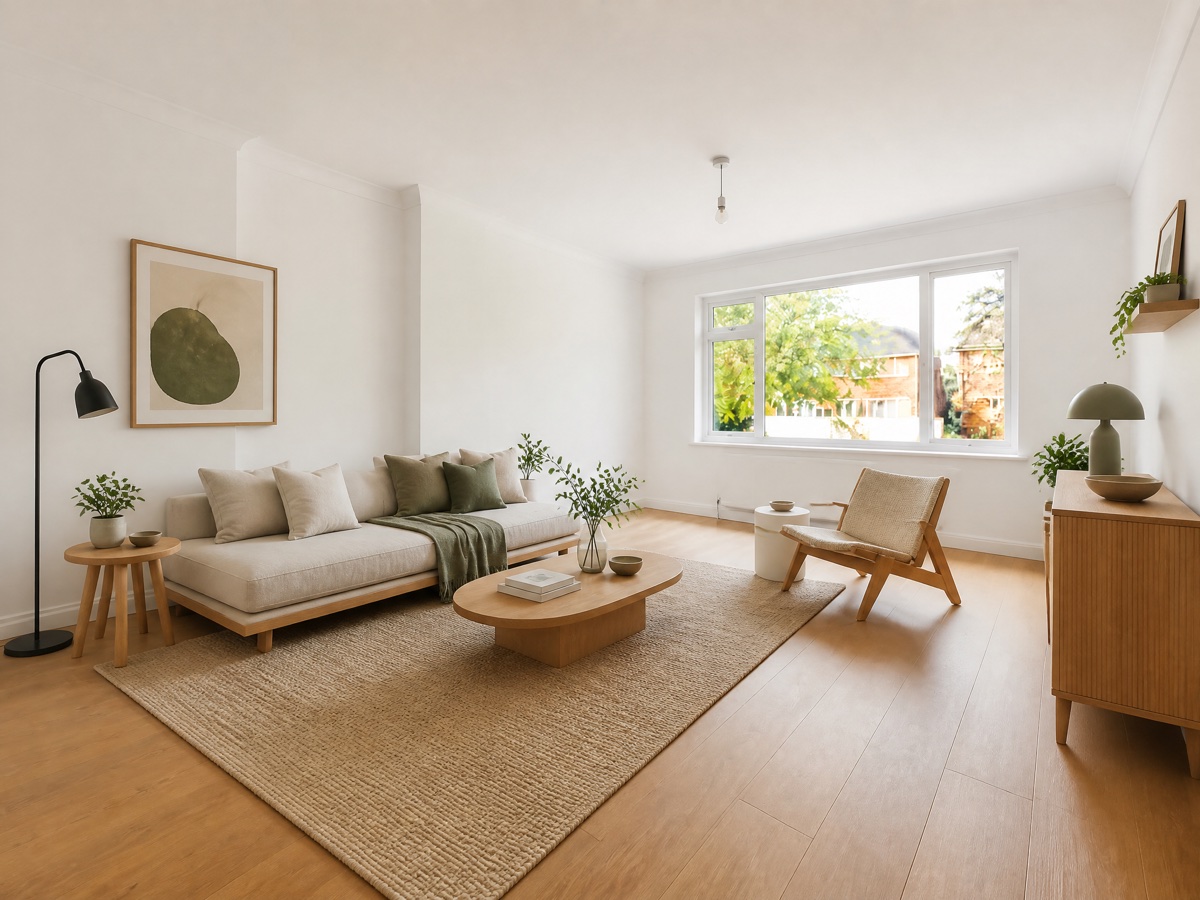
A real run
Made with this page and not retouched — what went in comes first.
FAQ
Will the room’s shape change?
No — walls, windows, doors, floor, ceiling and the camera angle are kept. Only what can be moved or repainted changes. If a result moves a window, run it again.
Is this a plan I can build from?
It is a visual idea, not a drawing: proportions are plausible, not measured. Use it to decide a direction and to brief a designer or a shop.
What about an empty room?
Yes. For a property listing, the Virtual staging use case furnishes an empty room for a buyer; this one is for restyling your own.
Can I use the results commercially?
Yes, on every plan, the free one included — what you make is yours, subject to the Terms and to the rights in what you upload.
Is it free to try?
Yes — new accounts get free credits. Generating signs you in; paid plans add more monthly credits.