Photos & portraits
Restore old photos: repair, colorize and sharpen
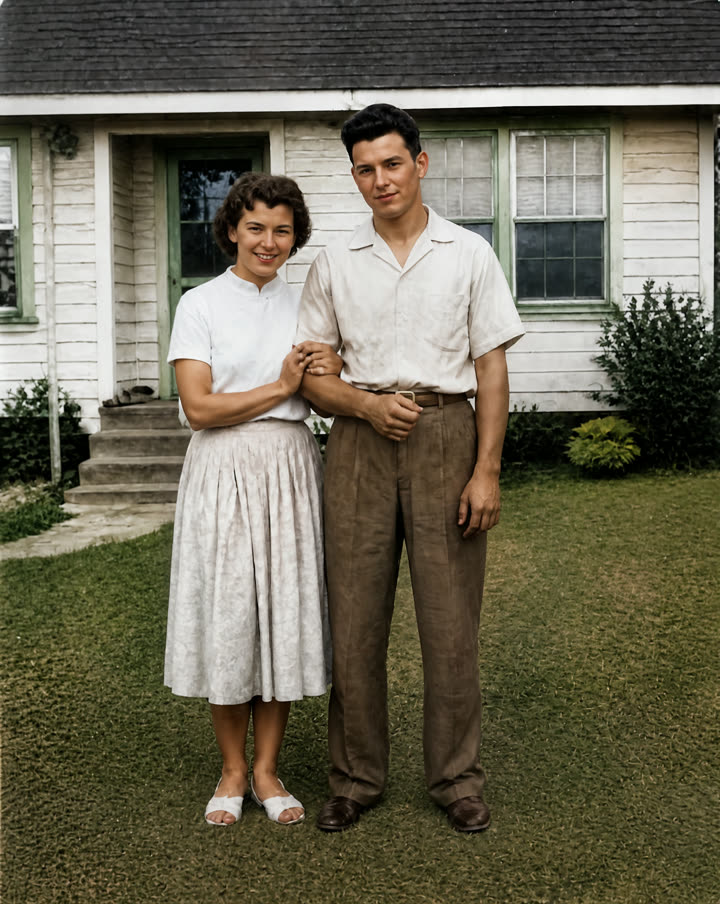
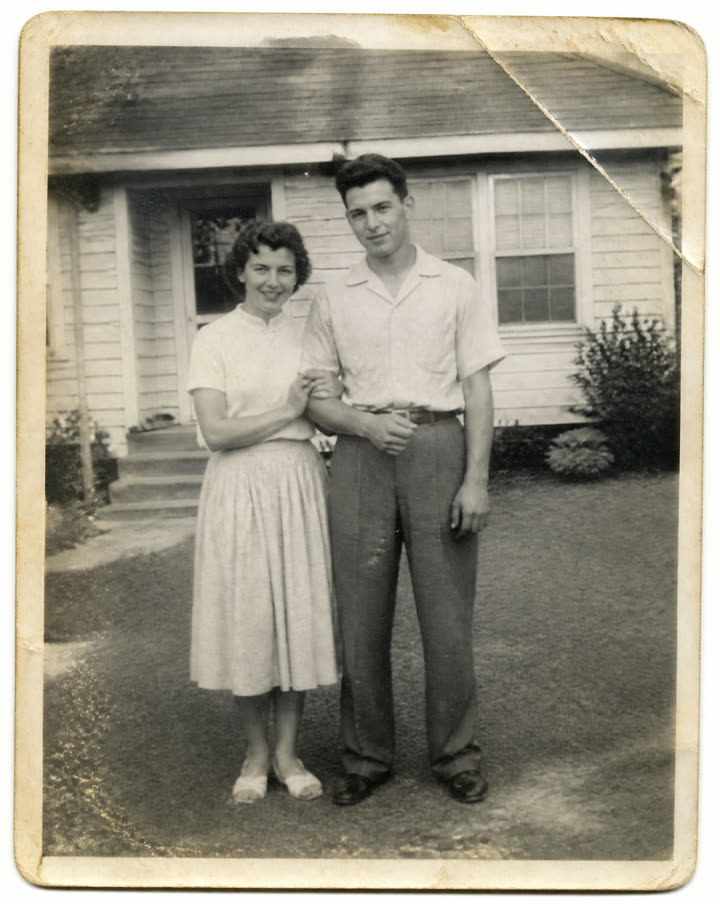
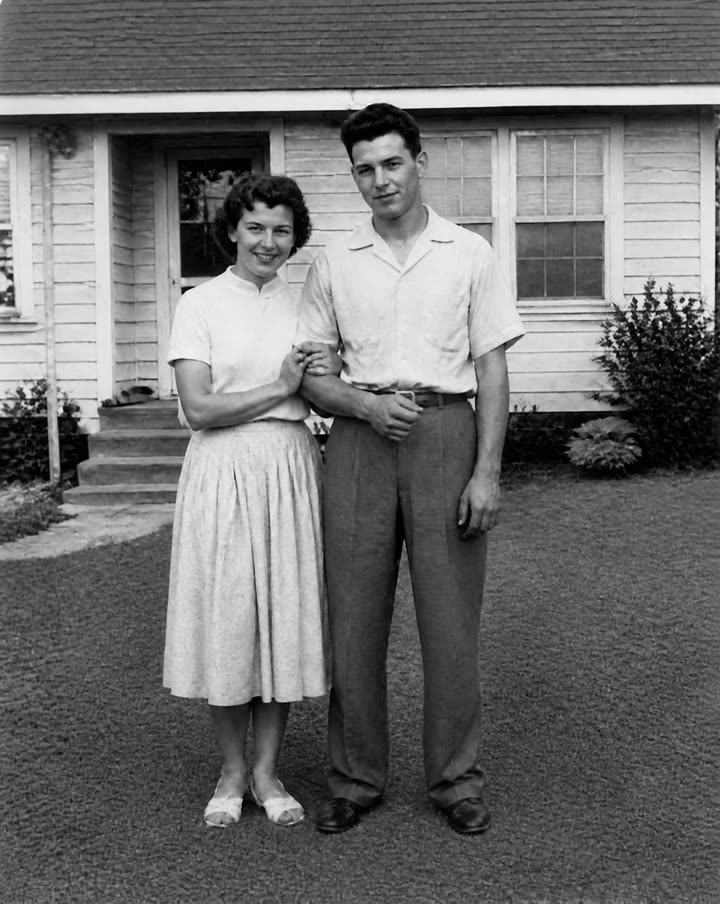
Three steps run one after another: the damage is repaired with the photo kept as it was — same people, same faces, same pose — then natural, period-appropriate colour is added, then the result is upscaled for printing. Nothing is added that was not in the picture.
What you get
- Restored and colourised, upscaled
- Restored, black and white
11 credits per run
Free to try — sign in when you generate.
How it works
- 1Upload the old photo
- 2AI repairs it, then adds colour
- 3Download both versions
A real run
Made with this page and not retouched — what went in comes first.
FAQ
Will the faces change?
Each step is told to keep every face, pose and detail as it is — restore, not reinterpret. Where the original is badly damaged, the model has to fill in, so compare with the original before you share it as a record.
Are the colours accurate?
They are plausible, not known: a black-and-white photo does not record colour, so clothing and paint are the model’s best guess for the period. That is why the black-and-white restoration is delivered as well.
How should I scan the photo?
A flatbed scan is best. A phone photo works if it is taken straight on, in even daylight, with no glare on the print.
Can I use the results commercially?
Yes, on every plan, the free one included — what you make is yours, subject to the Terms and to the rights in what you upload.
Is it free to try?
Yes — new accounts get free credits. Generating signs you in; paid plans add more monthly credits.