Brand, events & social
A cover image for your article, with the title on it
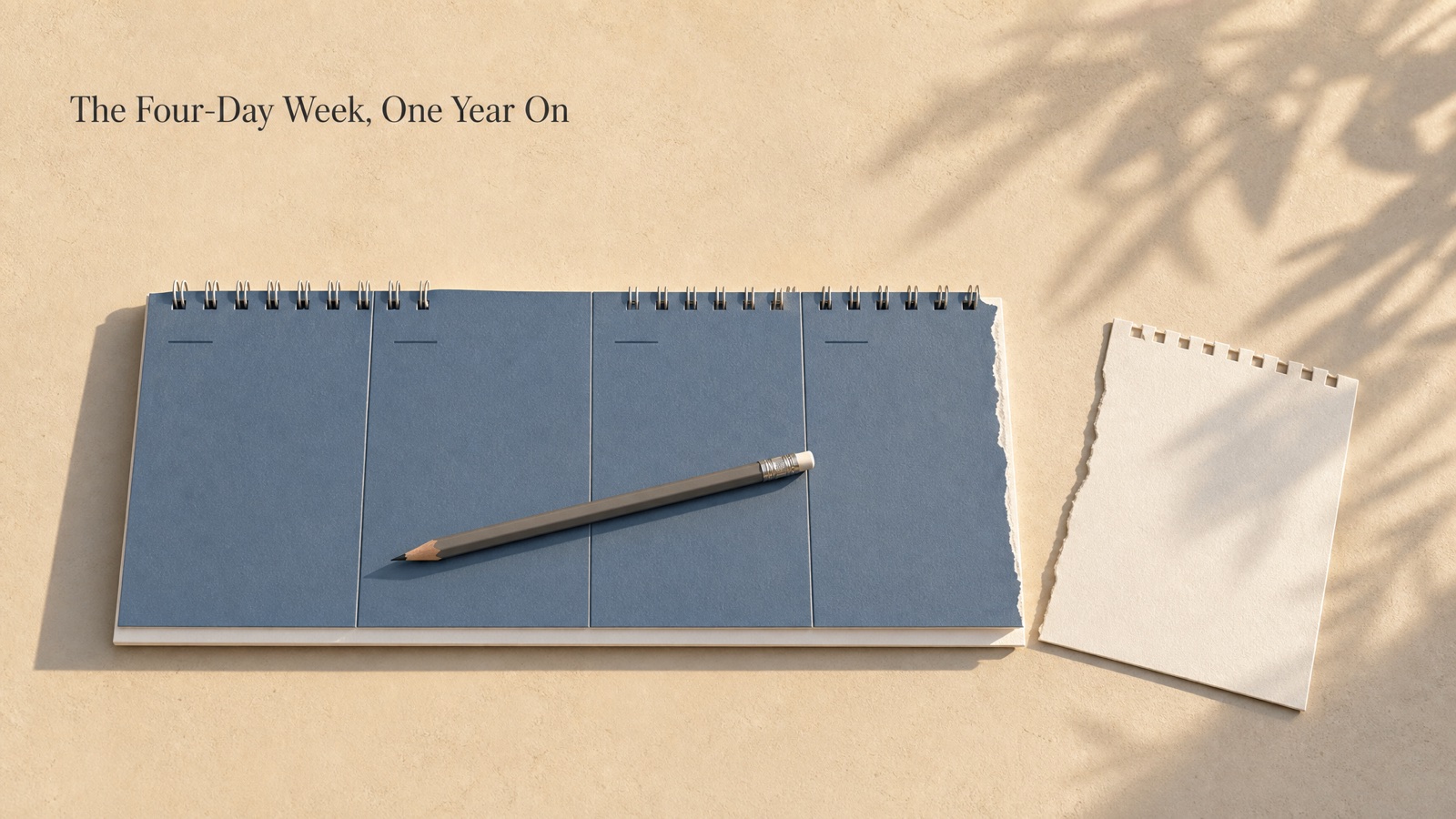
Stock photos look like stock photos. Here the cover is designed from what the piece is about — one clear visual idea, a palette that fits the mood, the title placed with room to breathe — and the same image is cut to the sizes a post needs: the social share image, the blog header, the WeChat article cover. The title is rendered exactly as you typed it.
What you get
- Cover, 16:9
10 credits per run
Free to try — sign in when you generate.
How it works
- 1Type the title and a line about the piece
- 2The cover is designed around it
- 3Download the sizes you need
A real run
Made with this page and not retouched — what went in comes first.
Title: The Four-Day Week, One Year On
Summary: what the firms that kept it report about output, hiring and the days they chose; the ones that quietly went back
Style: calm editorial, muted blues and sand
FAQ
Will the title be spelled right?
It is copied into the design instructions exactly as typed and rendered at a quality that handles lettering; both our runs came out right. Long titles get small — keep it under about eight words or fifteen characters, or leave the title off and add it in your editor.
Why does the WeChat size crop the picture?
900 × 383 is much wider than 16:9, so the top and bottom are trimmed from the centre. Titles placed near an edge can be cut; download the 16:9 and crop by hand if so.
Can I use the results commercially?
Yes, on every plan, the free one included — what you make is yours, subject to the Terms and to the rights in what you upload.
Is it free to try?
Yes — new accounts get free credits. Generating signs you in; paid plans add more monthly credits.